Outlook email client is used by many for their business purpose. with the confidential data stored in Outlook, it is important to secure it. As you already know Outlook export its mailbox data into PST format and to secure the file user put the complex password. However, sometimes they forget the password to use to secure PST file data. If you are facing a similar situation, then in this write up we will discuss various ways to remove password from PST file.
When you put a password on the PST file, a dialogue box will appear that asks you to enter the password if you want to access emails from that PST file. Unfortunately if you forgot your password and can’t able to open your PST file, then what will you do?
Don’t worry! This article will guide you to remove passwords from PST file without affecting email integrity. Read the complete article and remove PST file password.
How to Remove Password From Outlook PST File
To remove PST file password without affecting email integrity, you can use PST Converter Software. This utility will convert your password-protected PST file and create a new .pst file without password protection. While removing password from Outlook data file. Most importantly, while this tool remove password from PST file, there will be no changes in email data and its attributes. Moreover, in a newly created data file, all the email elements will be present in the same format as the original one.
Additionally, this tool also repair PST file without any other application installation. With its simple graphical interface, it is easy to use this tool and remove password from Outlook data file without facing any glitches.

Procedure to Remove Password From PST File without any data loss and affecting email integrity.
Step 1. Install and Launch SysConverter for PST for Windows.
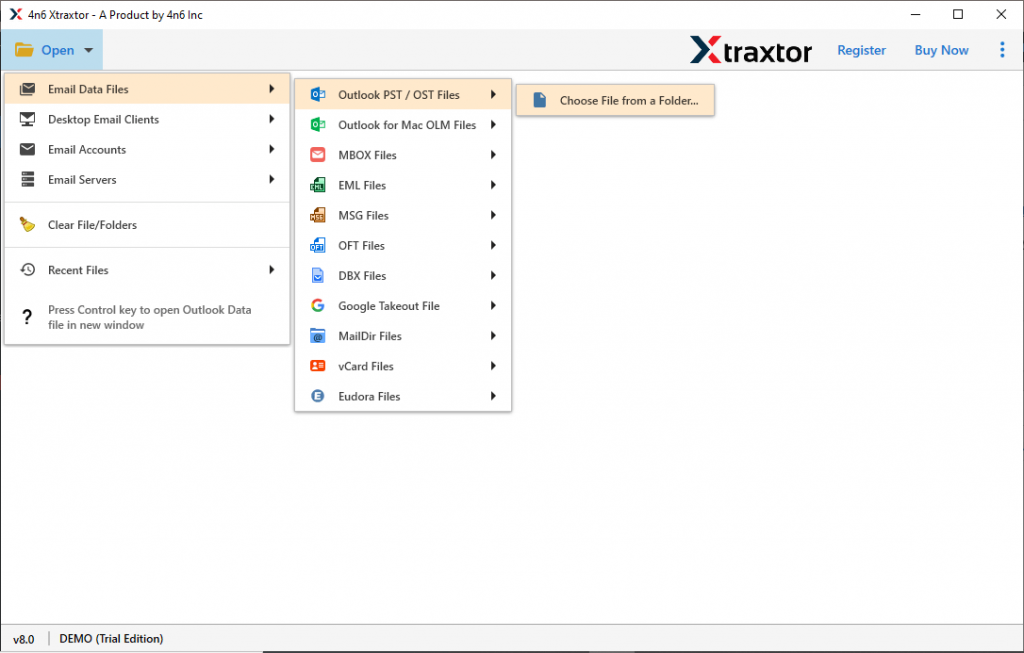
Step 2. After that, select Open >> Email Data File >> PST File >> Select File from Folder.
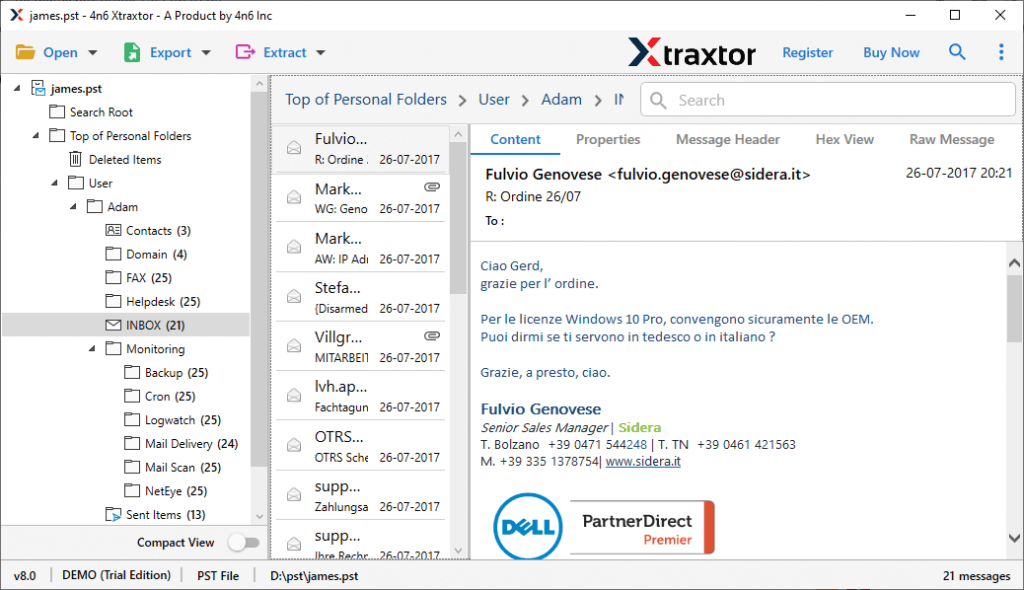
Step 3. Here you can view all your emails before the password removal process started.
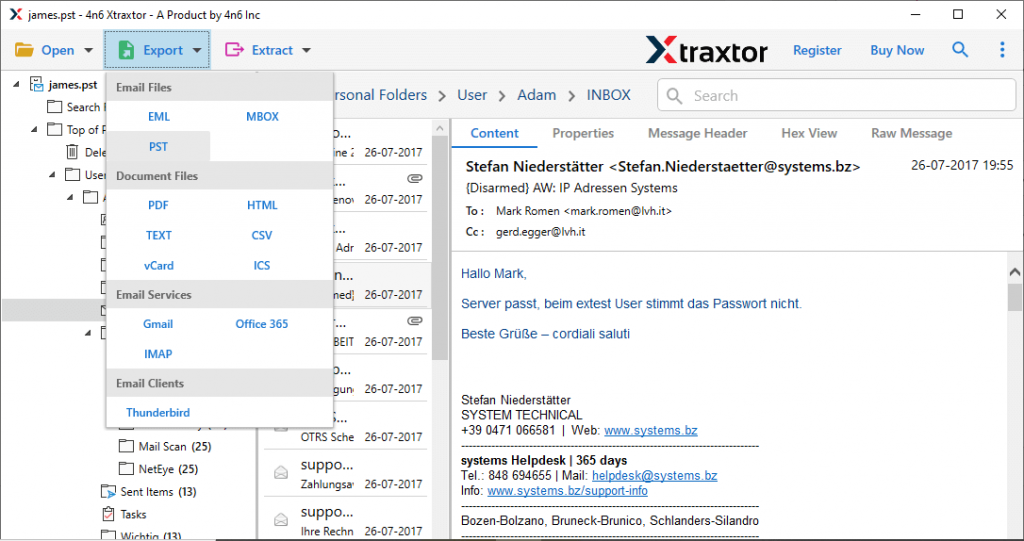
Step 4. Now click on Export and choose PST file format.
Step 5. At last, browse the location to save a new password-free PST file and hit on the Save button.
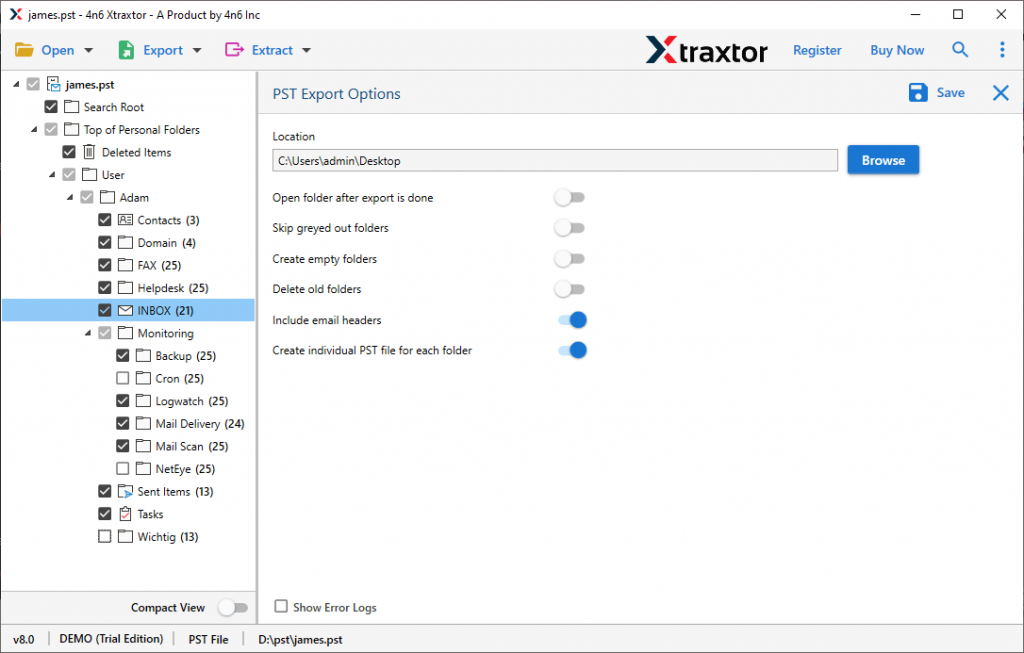
Done! Here you remove password from PST file in a few simple steps and without any data loss. Now you have a new PST file that you can open in your Outlook without a password.
Why Use Professional Tool To Remove PST File Password
There are various outstanding features of this tool that will helps in removing PST file password without affecting the email data.
Preserve Email Attributes: While removing password from PST file using this tool, there will be no changes in email attributes and properties. You can save emails to a new data file with header information, inline images, hyperlinks, attachments, and other data.
Easy to Use Utility: With its simple graphical interface, any user can operate this tool and remove password from Outlook data file without any hassle.
Email Filter Options: If there are some emails from your password-protected PST file that is not important and you don’t want them in the new data file, then you can apply the filters. This tool offers various options to choose from, such as – to, from, cc, bcc, subject, name, time, date, etc.
Maintain Email Hierarchy: This automated tool swiftly remove PST file password and save the entire data in the same format as the original. It will preserve the email folder and sub-folder hierarchy and structure during the password removal process.
Windows Based Utility: The software is compatible with all Windows OS systems without any hassle. You can use this tool on Windows 11, 10, Vista, XP and all other previous OS versions.
Conclusion
Removing password from PST file will be an easy task if you know the password. However, if you forgot your password, then you need third-party software for that. In this write up we discuss such a tool that will securely remove password from PST file without affecting the data integrity.